


News
StatTrak Explained: How Kill Counters Work and What They Add

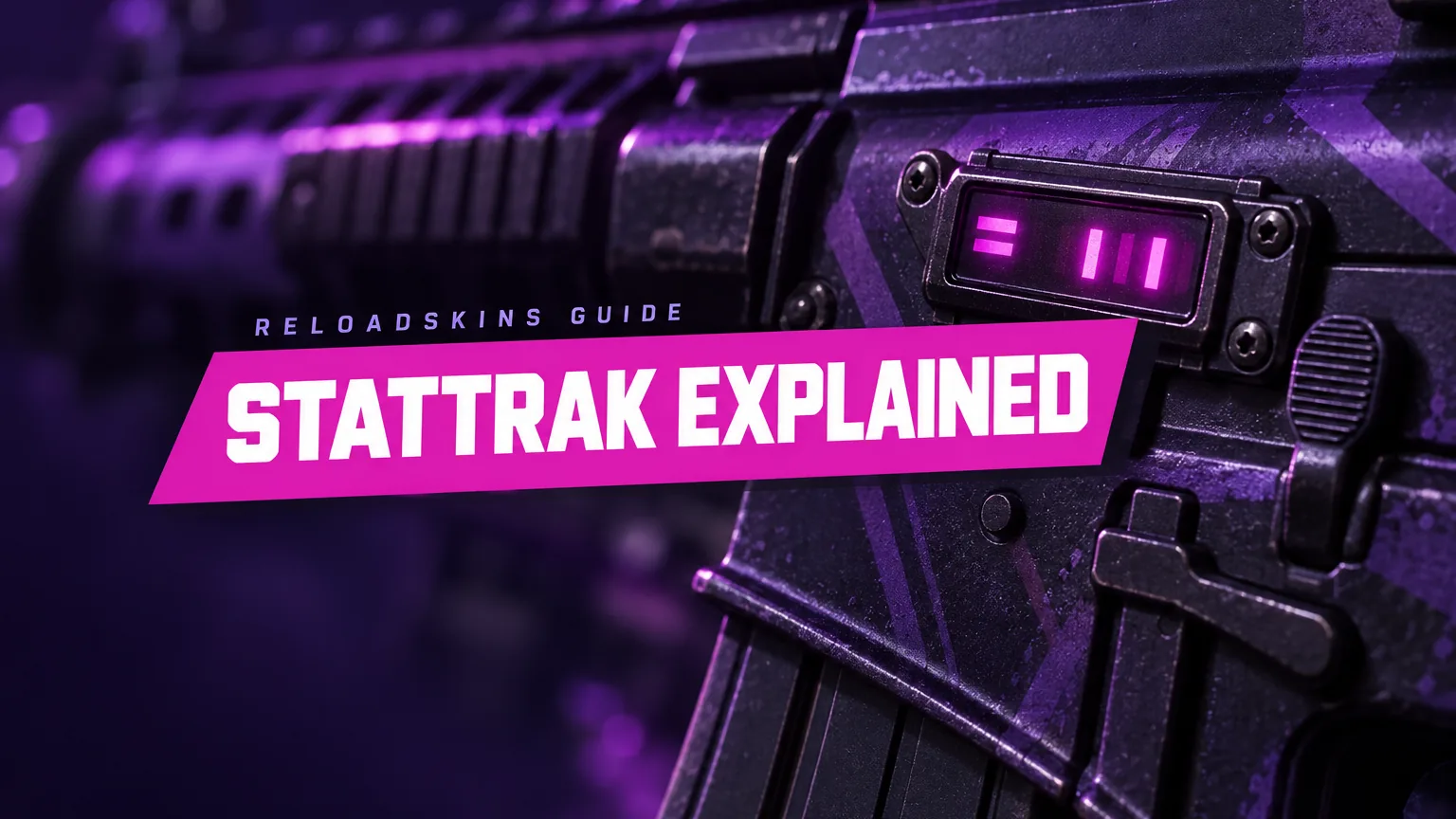
StatTrak is one of the most recognisable extras a CS2 skin can have. In this guide you will learn what StatTrak actually tracks, how the counter behaves when an item changes hands, how StatTrak music kits differ, and what to think about before choosing a StatTrak version over a standard one.
What is StatTrak?
StatTrak is a feature that tracks the number of confirmed kills the owner gets with a particular weapon. A confirmed kill is simply a kill that the game credits to you. A StatTrak item shares its finish with the standard version of the same skin, with a kill counter added that keeps a running total.
The counter is a cosmetic extra. It records what you do with the weapon, but it does not change how the weapon handles or performs in a match. Its appeal is entirely about personal record and style.
StatTrak and standard versions of the same finish are separate items. Before you buy, it is worth checking which version a listing is, so you end up with exactly what you had in mind.
How the kill counter works
The rules behind the counter are straightforward:
- Only the owner’s kills count. The counter goes up when you, as the owner, get confirmed kills with that weapon. If someone else ends up using your weapon during a match, their kills do not add to your total.
- The count stays with the item. When a StatTrak item changes hands, its counter goes with it. The number belongs to the item, not to a particular player.
- It keeps building. From the moment you own it, every confirmed kill you get with the weapon adds to the existing total.
The second point surprises some new buyers. If you buy a StatTrak skin that has already been used, it may arrive with a number already on the counter, earned by a previous owner. Your own kills are then added on top of that figure.
Whether that matters is up to you. Some players like a counter that already tells a story, while others would rather start close to zero so that the total reflects their own play. Neither preference is wrong, but it is worth knowing which camp you fall into before you choose.
StatTrak music kits
StatTrak is not limited to weapons. Music kits, which replace in-game music cues such as round-start, bomb-planted and MVP music, can also come in StatTrak versions.
Instead of kills, a StatTrak music kit counts MVP awards. MVP is short for “most valuable player”, an award given to a standout player in a round. So rather than a running tally of eliminations, the counter becomes a record of the rounds where you made the biggest difference. You can learn more about how these kits change your game in our guide to music kits.
StatTrak vs Souvenir
StatTrak and Souvenir are two different kinds of special item, and they never appear on the same item. A skin can be StatTrak, Souvenir or neither, but never both.
Souvenir items are linked to specific major tournament matches and carry a fixed set of stickers from that match, so they appeal for quite different reasons. Where StatTrak is about your own record with a weapon, a souvenir skin is about its connection to a moment in competitive play. Our guide to souvenir skins explains them in full.
What StatTrak adds to a skin
Since the counter does not affect gameplay, its appeal is personal. Here is why many players like it:
- A personal record. The counter becomes a running log of how much you have used and relied on that weapon.
- A sense of progress. Watching the number climb can make a favourite weapon feel more like your own over time.
- A talking point. A high count on a well-loved rifle or pistol tells a story that a standard skin does not.
- Motivation to use it. Some players find that a counter encourages them to stick with a weapon they want to master.
Others prefer to skip StatTrak altogether. Some like the look of a skin without the counter, and some simply do not mind whether their kills are tracked. As with any cosmetic choice, the right answer is the one you will enjoy.
What to check before buying a StatTrak skin
A StatTrak skin is still a skin, so all the usual checks apply, plus a couple of extra ones:
- Confirm it is StatTrak. Check the item name and details so you know which version you are buying.
- Look at the current count. If screenshots of the exact item are available, they can show how many kills are already on the counter. Decide whether you would rather start from a low number or are happy with an existing total.
- Remember wear still applies. A StatTrak skin has a float value and exterior just like any other, from Factory New to Battle-Scarred, so check those as well.
- Compare both versions. StatTrak and standard versions of the same skin can be priced differently, so look at both and choose the one you will enjoy using.
- Think about the weapon. A counter makes the most sense on a weapon you actually use a lot, because that is where the number will grow.
Key takeaways
- StatTrak tracks the number of confirmed kills the owner gets with that weapon.
- Only the owner’s kills count, and the counter stays with the item when it changes hands.
- StatTrak music kits count MVP awards instead of kills.
- StatTrak and Souvenir never appear on the same item.
- The counter is cosmetic, so choose StatTrak if you like the idea of tracking your kills.
If a running kill count sounds like your kind of thing, browse our full range of CS2 skins and find a weapon you will be proud to track.