


Buying Tips
How to Buy CS2 Skins on ReloadSkins: Step by Step
A clear walkthrough of buying CS2 skins on ReloadSkins, from creating an account and browsing the shop to paying by card and accepting your Steam trade offer.
Building a Great-Looking Loadout on a Budget
You do not need a big budget to have a loadout you love. Here is how to prioritise weapons, choose exteriors wisely and build a consistent look without overspending.
What Drives CS2 Skin Prices? Rarity, Wear, Demand and More
Two skins on the same weapon can cost very different amounts. This guide explains the main factors behind CS2 skin prices, from rarity and wear to pattern, demand and availability.
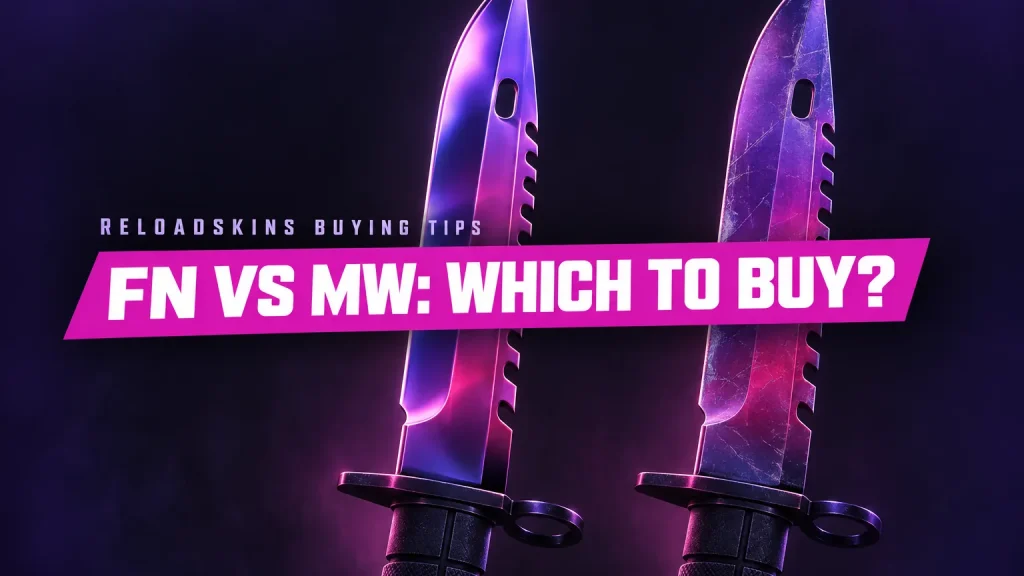
Factory New vs Minimal Wear: Which Should You Buy?
Factory New and Minimal Wear sit side by side on the float scale, but they can differ in look and price. Here is how to decide which exterior suits you.
How to Inspect a Skin Before You Buy
Before you add a skin to your cart, a few quick checks can save you from surprises. Learn what to look for in the name, exterior, pattern and trade offer.
How to Read a Skin’s Full Name: Weapon, Finish, Exterior and Tags
A CS2 skin name packs a lot into one line. Learn how to read the weapon, finish and exterior, what StatTrak and Souvenir tags mean, and why knives and gloves carry a star.
How Skin Delivery Works at ReloadSkins
After you pay, your skin arrives as a Steam trade offer. Learn how automated delivery works, why you need to accept the offer, what can delay it and what to check.

Refunds Explained: When and How You Can Get Your Money Back
Find out when you can get a refund for a skin purchase, what the 7-day window covers, which situations are not refundable and how to contact support with the right details.