


News
Knife and Glove Combos That Just Work

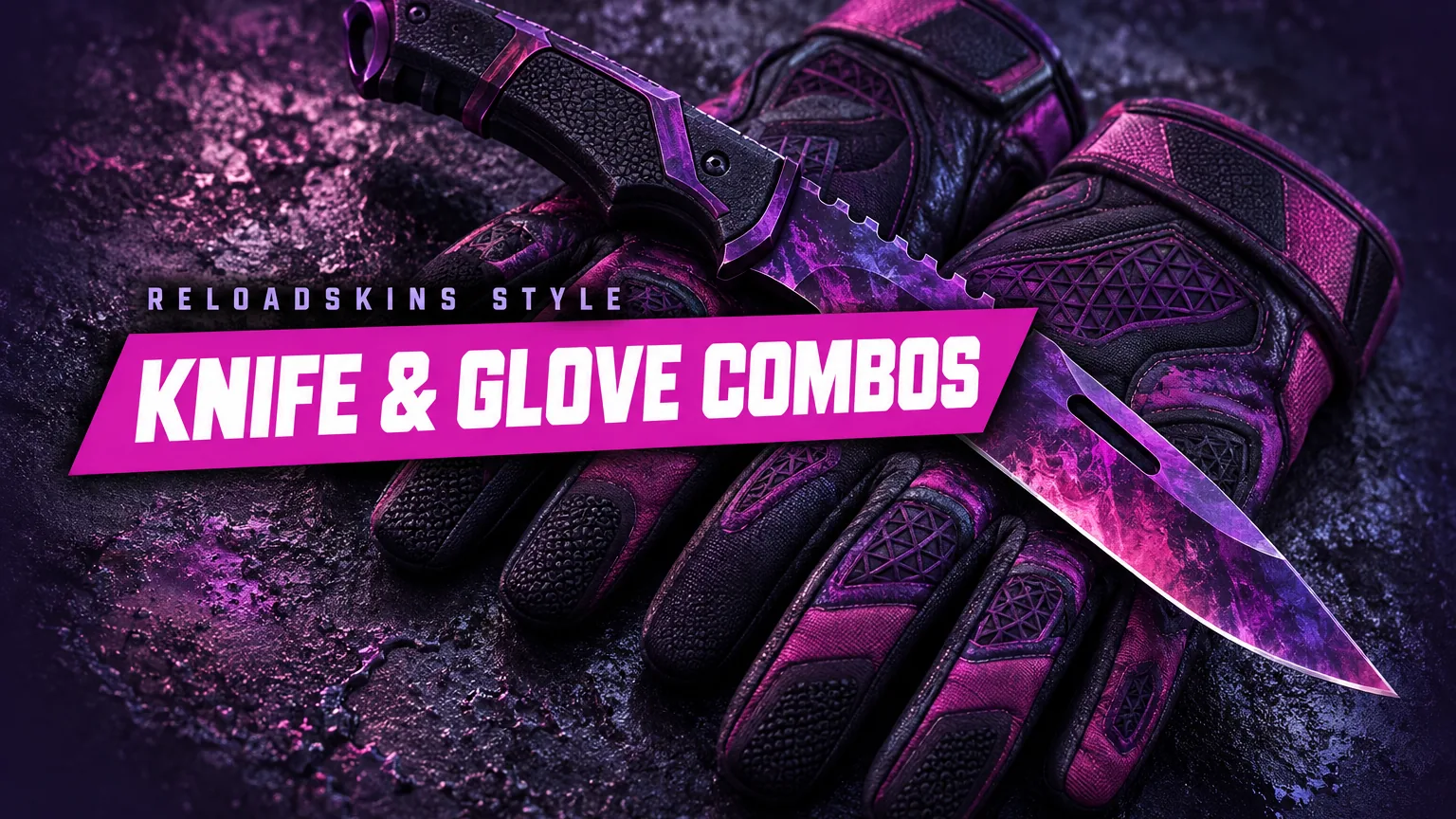
Your knife and gloves frame almost everything you see in CS2, so getting them to work together makes a bigger difference than any other pairing in your inventory. This guide explains the simple colour principles behind great knife and glove combos, suggests pairings by style and covers the details, such as pattern and knife shape, that make a match feel deliberate.
Why the knife and glove pairing matters
Gloves appear on your hands in first-person view whatever weapon you hold, so they are on screen almost constantly. Your knife comes out when you run, switch weapons or inspect, and each knife type has its own shape and inspect animation that puts the blade right in front of the gloves. When the two clash, you notice it every time. When they match, the whole loadout feels finished.
Knives and gloves are both shown as rare special items in gold, and for many people they are the centrepiece of the inventory. That makes it sensible to plan them as a pair rather than choosing each one in isolation.
Three simple rules for a good match
- Share a colour family. A red knife with red-toned gloves, or blue with blue, is the most reliable combination. The shades do not need to be identical; a deep red next to a brighter crimson still looks related.
- Use deliberate contrast. Complementary colours, opposites on the colour wheel such as blue and orange or purple and yellow, make each other look more vivid. Let one item lead and the other support.
- Balance statement and neutral. If your knife is loud, choose quieter gloves, and vice versa. Two busy patterns fighting for attention rarely look intentional.
Combos by style
Bright and colourful
Fade knives, with their gradient through gold, pink and violet, sit naturally beside gloves in similar hues. Sport Gloves Vice, in pink and light blue, picks up the pink and cooler end of the gradient, while Specialist Gloves in a Fade finish create a fully matched set. Fade percentage describes how much of the full gradient is visible on the item, and a higher percentage shows more of the bright end, so check which colours dominate on the exact knife. For a softer contrast, Moto Gloves Spearmint, in mint green and white, offer a fresh, pastel counterpoint to the warmer tones of a Fade.
Jewel tones
Doppler knives come in Phases 1 to 4 plus the gems Ruby (red), Sapphire (blue) and Black Pearl (dark purple and black). These rich colours suggest natural partners:
- Phase 2 Doppler: typically the most pink and purple phase, a natural match for the purple and black of Sport Gloves Pandora’s Box.
- Ruby: pairs with red gloves such as Specialist Gloves Crimson Kimono or Driver Gloves Crimson Weave.
- Sapphire: suits blue gloves such as Sport Gloves Superconductor.
- Emerald Gamma Doppler: a vivid green that matches Hydra Gloves Emerald or Specialist Gloves Emerald Web.
Our guide to Doppler phases explains each phase and gem in more detail.
Dark and stealthy
Dark knife finishes such as Night or Ultraviolet create a moody, understated look. Pair them with gloves in greys, blacks or deep purples, such as Driver Gloves King Snake for a monochrome feel, or Pandora’s Box to pick up Ultraviolet’s violet tones. A Black Pearl Doppler fits this style too. Because dark finishes have less colour to match, lean on texture instead: a glossy dark blade against patterned gloves keeps the pair from looking flat.
Classic and matching names
Some of the easiest combos simply share a finish name. A Case Hardened knife with Hydra Gloves Case Hardened, or a Marble Fade knife with Specialist Gloves Marble Fade, looks as though the two were designed together. A Crimson Web knife with Specialist Gloves Crimson Kimono keeps the same red-and-black mood, and Tiger Tooth’s warm gold stripes sit comfortably beside earthy, warm-toned gloves.
Match shape and feel, not just colour
Style is also about character. Sleek, flowing knives such as the Butterfly, Stiletto or Karambit tend to suit refined gloves like Driver or Specialist designs. Chunkier, more rugged knives such as the Bowie, Ursus or Huntsman look at home with Bloodhound, Broken Fang or Moto Gloves. A Karambit’s curved blade, for example, suits the clean lines of Driver Gloves, while a heavy Bowie feels right with the rugged, practical look of Bloodhound Gloves.
There are no strict rules here. The question is simply whether the pair feels like it belongs to the same character. Watching the inspect animation with your chosen gloves in mind is a good way to judge it.
Check the details before you buy
- Pattern index: a number from 0 to 999 that decides how the finish is placed on the model. On Case Hardened, Fade, Doppler and Marble Fade it changes which colours you see, so check the exact item, not just the finish name.
- Exterior: a mirror-clean knife next to heavily worn gloves can look mismatched. Exterior runs from Factory New (0.00–0.07) to Battle-Scarred (0.45–1.00), and float is fixed for the life of the item, so choose the condition you want from the start.
- The rest of your loadout: your knife and gloves set the tone, so make sure your rifles and pistols follow. A shared accent colour across every slot keeps the look consistent.
Key takeaways
- Gloves are on screen with every weapon, so they matter as much as the knife.
- Match by colour family, use deliberate contrast, or balance a loud item with a quiet one.
- Fades, Doppler phases and gems, and shared finish names make easy, natural pairings.
- Consider shape and character as well as colour, and check pattern and exterior on the exact item.
- Choose the combination you enjoy seeing every round.
Start planning your pair by browsing knives and gloves at ReloadSkins.