


News
Building a Great-Looking Loadout on a Budget

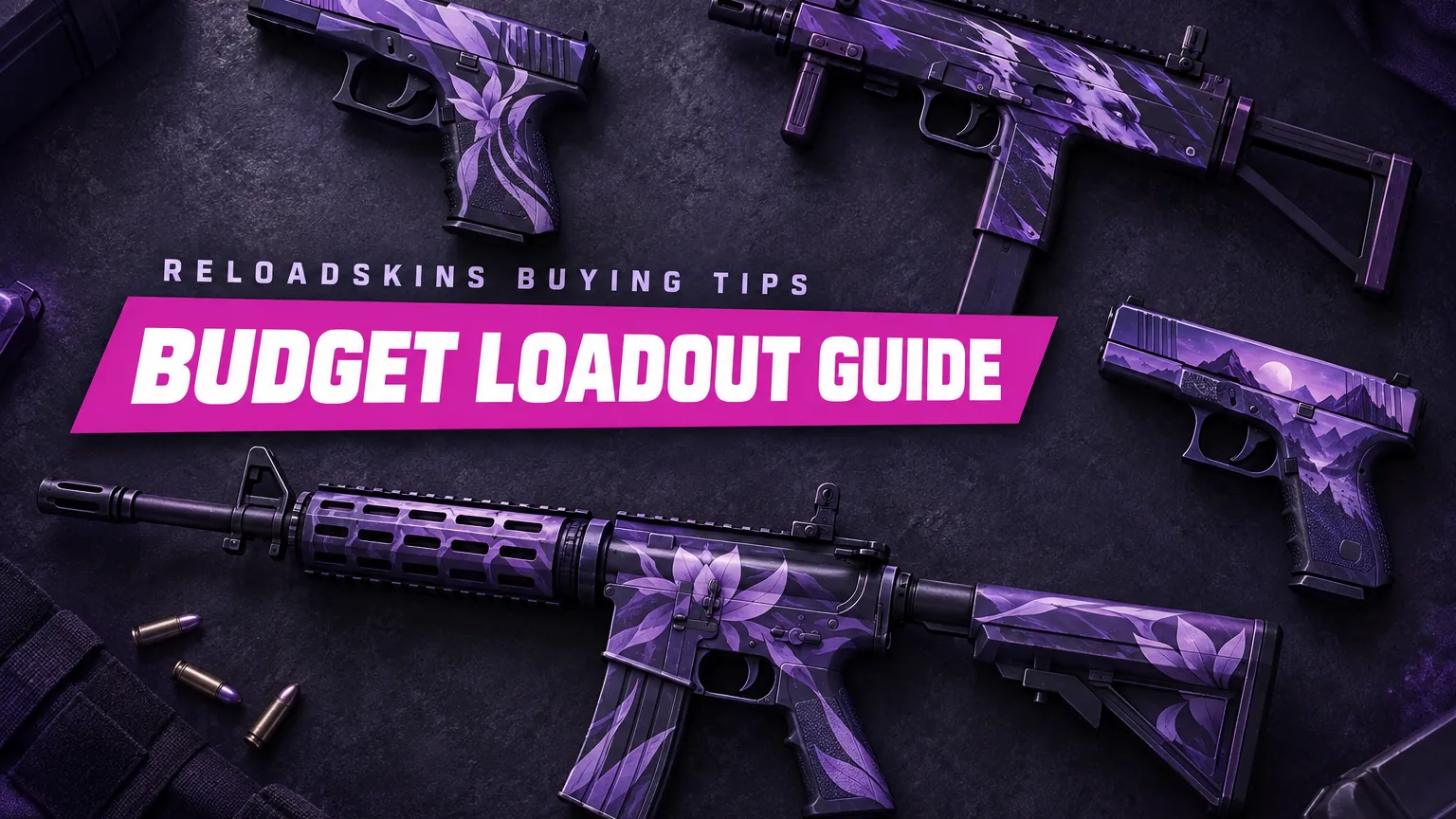
A great-looking loadout is less about how much you spend and more about where you spend it. With a clear budget and a few deliberate choices, you can make the weapons you use most feel like your own. This guide covers setting a budget, deciding what to upgrade first, understanding how exterior, rarity and StatTrak™ affect cost, and tying it all together with a consistent style.
Start with a budget you’re comfortable with
Decide on a total before you start browsing and treat it as a firm limit. Skins are cosmetic: they change how your weapons look, not how they perform, so there is no reason to stretch beyond what you can comfortably afford.
It also helps to decide early whether you want one standout item or several modest upgrades. Both approaches work. A single eye-catching rifle can anchor a whole loadout, while spreading the same budget across a pistol, an SMG (submachine gun) and a rifle means you’ll see something you like in more of your rounds.
Upgrade the weapons you use most
The best place to start is whatever you hold most often. A skin on a weapon you rarely buy is easy to forget, while one on your everyday weapon is on screen for most of every match.
- Pistols. Your pistol is in your hands at the start of each half and in rounds where you’re saving in-game money, so a pistol skin gets plenty of screen time. The Glock-18 and USP-S are common places to start, and the pistols category has plenty of other options.
- Your main rifle. If you mostly play with rifles, the AK-47, M4A4 or M4A1-S you buy in full-buy rounds (rounds where you can afford your preferred weapon and equipment) is the weapon you’ll look at for the longest stretches. Browse the rifles category to compare finishes.
- Your situational weapons. If you regularly pick up SMGs, shotguns or a sniper rifle, add those to your list too, in the order you use them.
Weapons you only buy once in a while can wait until last, or you can skip them altogether. On a tight budget, every euro should go towards something you’ll actually see.
How exterior, rarity and StatTrak affect cost
Several characteristics influence what a skin costs. Understanding them helps you decide where to compromise and where to hold firm.
Exterior
Every skin has a float value from 0.00 to 1.00 that sets its exterior, meaning how worn it looks. Factory New covers 0.00–0.07, Minimal Wear 0.07–0.15, Field-Tested 0.15–0.38, Well-Worn 0.38–0.45 and Battle-Scarred 0.45–1.00. Cleaner exteriors of the same skin often cost more, so a Minimal Wear or Field-Tested copy can be a sensible middle ground. Look at how the specific finish appears in your chosen exterior before deciding, and remember that float is fixed for the life of the item, so it won’t wear further with use.
Rarity
Rarity describes how scarce an item is. From lowest to highest, the tiers are Consumer Grade (white), Industrial Grade (light blue), Mil-Spec (blue), Restricted (purple), Classified (pink) and Covert (red). Lower tiers are often more affordable, and a rarity colour tells you how scarce a skin is, not how good it looks. Plenty of Mil-Spec and Restricted finishes have clean, striking designs.
StatTrak™
StatTrak™ versions add a counter that tracks the confirmed kills the owner gets with that weapon. They often cost more than the standard version of the same skin. If the counter doesn’t matter to you, the standard version gives you the same finish and is often the more affordable choice.
Tie it together with a theme
A loadout looks more deliberate when the pieces relate to each other. Choosing a theme also narrows your search, which makes it easier to stay within budget.
- Colour. Pick one or two colours and look for finishes that share them across your pistol, SMG and rifle. Even modest skins look intentional when they match.
- Style. You might prefer clean, minimal finishes, bold graphic designs or camouflage-style patterns. Sticking to one style keeps the set coherent even when the colours differ.
- A focal point. If you do buy one standout item, choose the rest of your loadout to complement it rather than compete with it.
For more ideas, see our guide on how to build a colour-matched loadout.
Smart habits when buying on a budget
- Read the full name. Exterior and tags such as StatTrak™ change the item, so check them before adding anything to your cart.
- Upgrade gradually. Add one item at a time and enjoy it before deciding on the next. It keeps spending under control and gives your taste time to settle.
- Take care with pattern-based finishes. On finishes such as Fade, Case Hardened and Crimson Web, the pattern index (a number from 0 to 999 that decides how the finish is placed) changes how each copy looks, so make sure you know what you’re getting.
- Start from what you already own. Look at the skins already in your inventory before buying anything new. A purchase that matches something you have can stretch your budget further than starting a fresh theme from scratch.
- Get your Steam account ready. Keep Steam Guard Mobile Authenticator enabled and have your current Trade URL to hand, so delivery isn’t held up.
- Buy what you enjoy. Your loadout is for you. Choose skins you like looking at, not ones you feel you’re supposed to own.
Key takeaways
- Set a firm budget first: skins are cosmetic and don’t affect performance.
- Upgrade the weapons you use most, usually your pistol and main rifle, before anything else.
- Minimal Wear or Field-Tested exteriors, lower rarity tiers and non-StatTrak™ versions are often more affordable.
- A colour or style theme makes modest skins look deliberate.
When you’re ready to start, browse the full shop and pick the first piece of your loadout.